
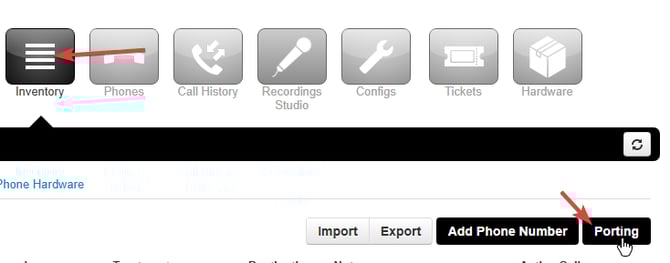
To access the porting widget you must first navigate to the Inventory from the Global View.
Note that accessing the inventory from the domain view will not work. To easily test this look for a blue bar at the top of the page like below, if this bar is visible you are in the domain view and NOT the global view.
From the inventory you want to click on the "Porting" button on the left hand side.
WARNING: If the porting button below is not visible this is because either your login has not been added to the system or because you are accessing the platform from the wrong URL. Please raise a ticket via the tickets button in the portal or ukhelp.access4.com.
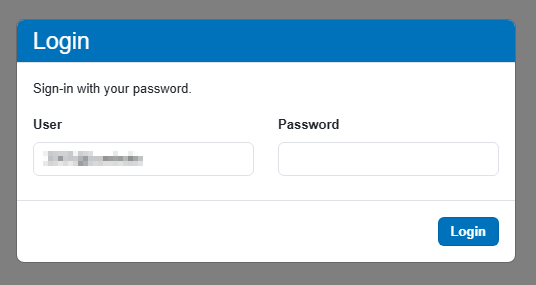
You will be prompted to another login page, the password here is the same login you use the access the portal.
Once you are logged in you can now place/manage ports and number orders.