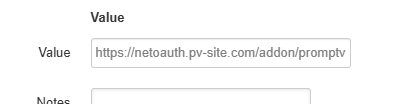
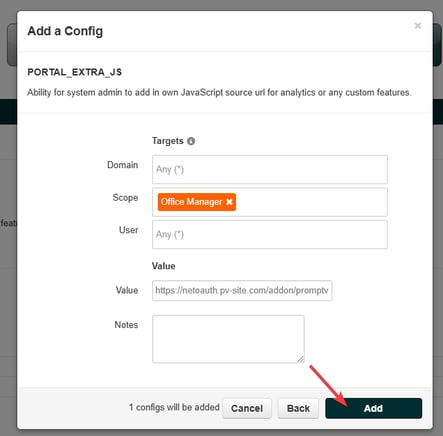
How to enable Luminate Studio for your end users. This article explains how to enable the Luminate Studio button in your portal so Office Managers can access and place orders. Log into the Netsapiens portal. Click on "Configs". Find "PORTAL_EXTRA_JS". Click on it. Select "Add Config". Set the "Scope" to "Office" Manager Set the "Value" to "https://netoauth.pv-site.com/addon/promptvoice-live.js" Once done, click "Add".